AI Tools
OpenComic includes AI-based image tools focused on comic and manga restoration workflows.
The currently restoration workflows are the following:
These tools are intended to improve image quality while preserving as much of the original artwork as possible.
OpenComic AI models
OpenComic provides its own family of models under the OpenComic AI name.
These models are trained with ethically generated images created procedurally and randomly in Krita. The stated goal of the project is to preserve as much detail from the original image as possible while modifying only the necessary parts.
For more information about how these models were trained, visit the main repository.
Quality levels of OpenComic AI models
OpenComic AI models come in three distinct quality levels: Fast, Balanced, and Quality. Each represents a different balance between speed and output quality.
Fast: The quickest option with the lowest output quality.Balanced: A balanced trade-off between quality and speed.Quality: The highest output quality but also the slowest option.
Model versions
OpenComic AI includes multiple model versions with bug fixes and quality improvements. To see the changes between versions, check the CHANGELOG.md in the main repository.
Third-party models
OpenComic AI tooling can also use models and upscalers from third-party projects.
The models and runtimes from projects such as:
- Real-CUGAN.
- Real-ESRGAN.
- Waifu2x.
- Upscayl and models distributed through its ecosystem.
- Other third-party models listed in the package model tables.
OpenComic documents the OpenComic AI models as ethically generated and trained. For third-party models, this documentation does not verify or guarantee their dataset origin, training methodology, or ethical status.
If you need strict provenance requirements, prefer the OpenComic AI models and review the source repositories of any third-party model before using it.
What each tool does
Artifact removal
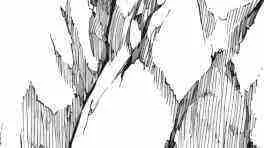
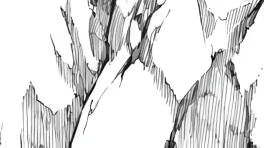
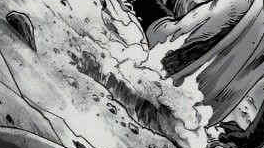
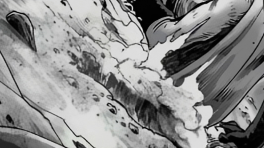
Artifact removal is designed to reduce compression noise and similar defects without changing more of the image than necessary.
Descreening
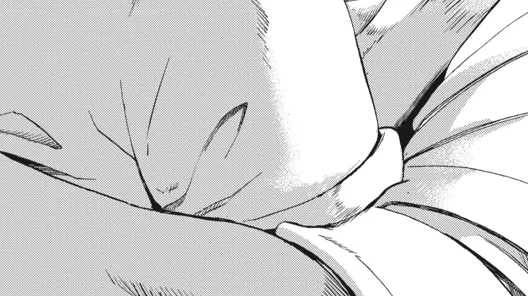
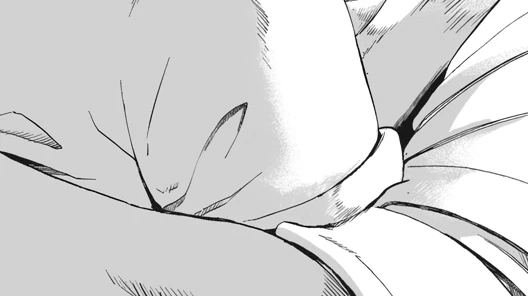
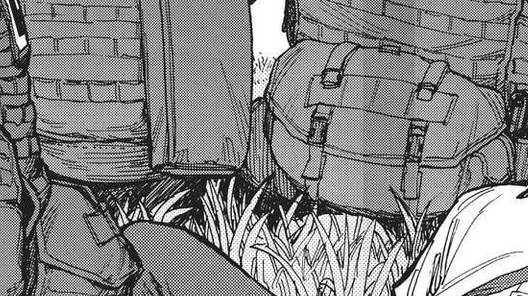
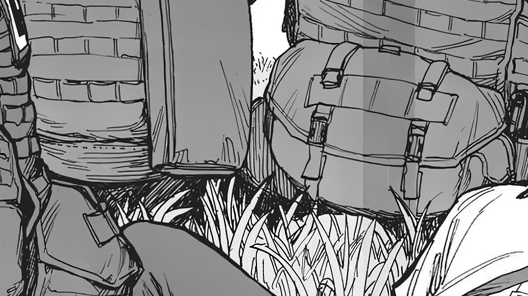
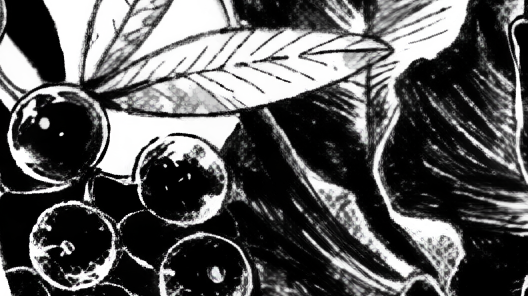
Descreening removes halftone and reduces moiré patterns that often appear in scanned manga and comics.
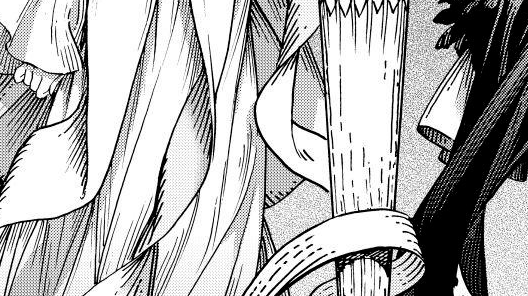
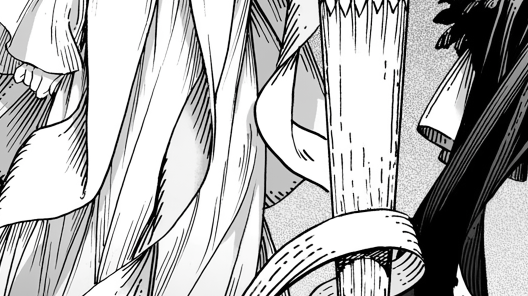
Keep big halftones
This option allows the AI descreening tool to preserve larger halftone patterns while removing smaller print patterns. It is useful for preserving intentional halftone textures and maintaining the artistic integrity of the original material.
Off
Larger halftone patterns are treated like the other print patterns and may be removed.
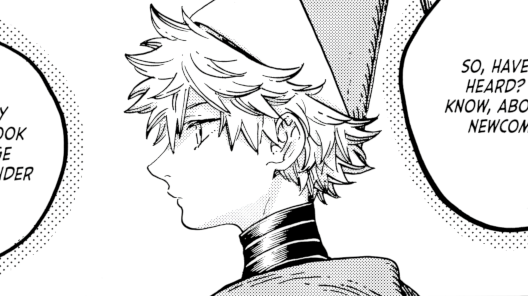
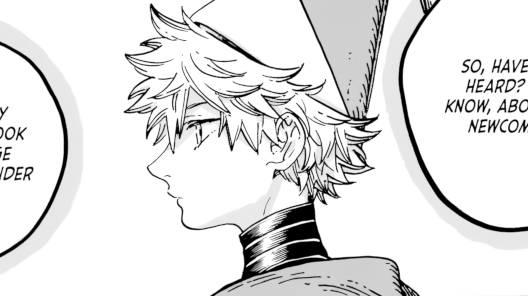
On
Larger halftone patterns are preserved while smaller print patterns are removed.
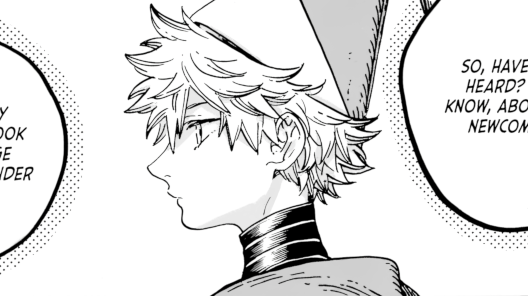
Upscaling
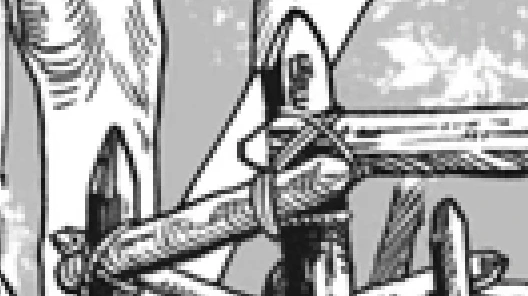
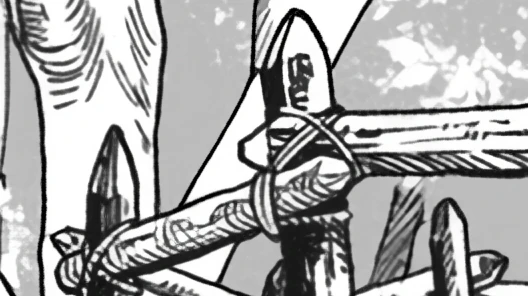
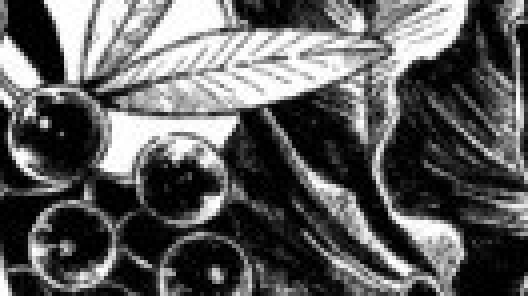
Upscaling increases image resolution so pages can look cleaner on high-resolution displays or after enlargement.
Extract document images
When you use AI Tools with PDF or EPUB files, OpenComic needs to work with page images instead of the original document container.
For that reason, Extract document images is required for AI processing on PDF and EPUB files.
This extraction step extracts images from inside PDF or EPUB that the AI tools can process.
Licensing
In the public OpenComic AI repositories:
- Source code is published under the
MITlicense. - OpenComic AI model weights are published under
CC BY 4.0.
For third-party models, their own licenses and terms apply.